
Creating a new ARC
-
Start the ARCitISA app.
-
In the dropdown on top click on “Create new ARC”.
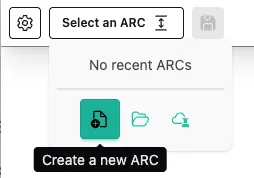
-
Select an identifier for your ARC.

To keep it simple, I call my ARC “AthalianaColdStressSugar”
-
Click
Create new ARC -
Select a location and click “open”.
-
ARCitISA creates the base ARC folder on your computer and opens it right away.
DirectoryAthalianaColdStressSugar
- notes
- isa.investigation.xlsx
- assays
- runs
- studies
- workflows