
Track changes
-
Navigate to the
Gitmenu in the left sidebar.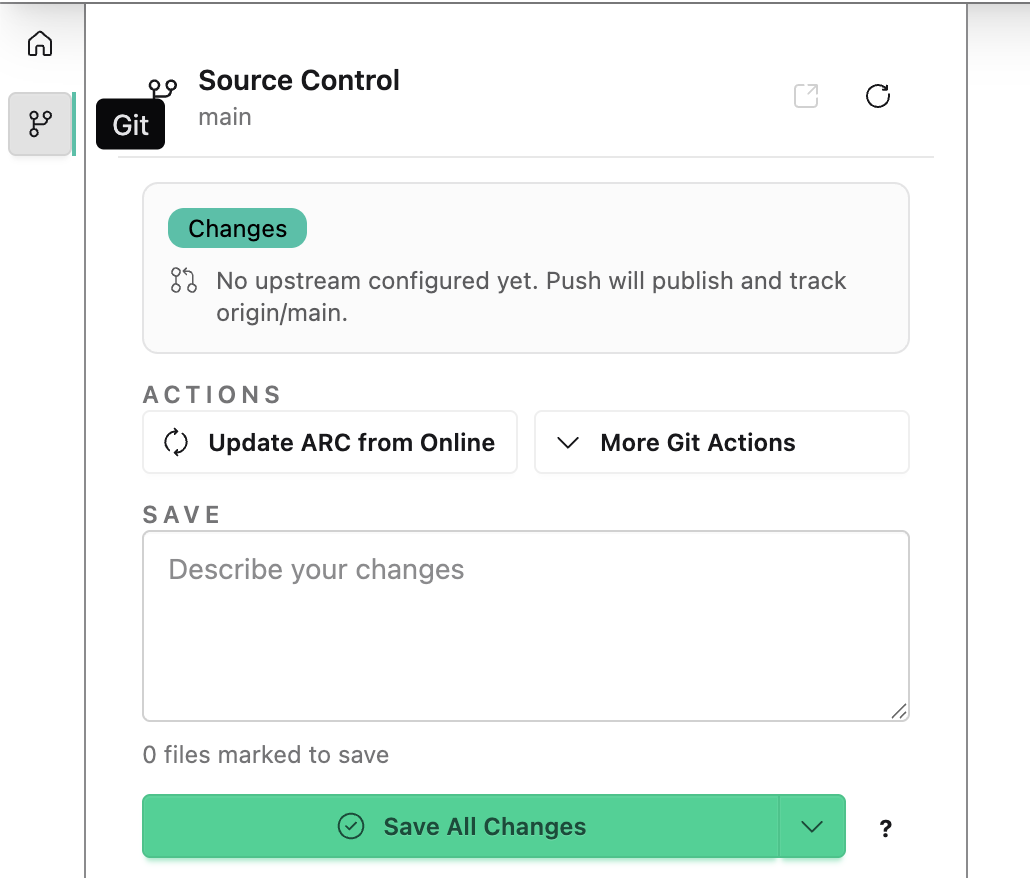
-
Add a message to describe your changes

“Created my first ARC and added data.”
-
Click
Save All Changesto store your changes and upload them to the DataHUB.
Navigate to the Git menu in the left sidebar.
Add a message to describe your changes
“Created my first ARC and added data.”
Click Save All Changes to store your changes and upload them to the DataHUB.