
DataHUB Sign In
-
Click Open the DataHUB Authentication menu in the top-right.
-
Use the pre-selected
PLANTdataHUB (official)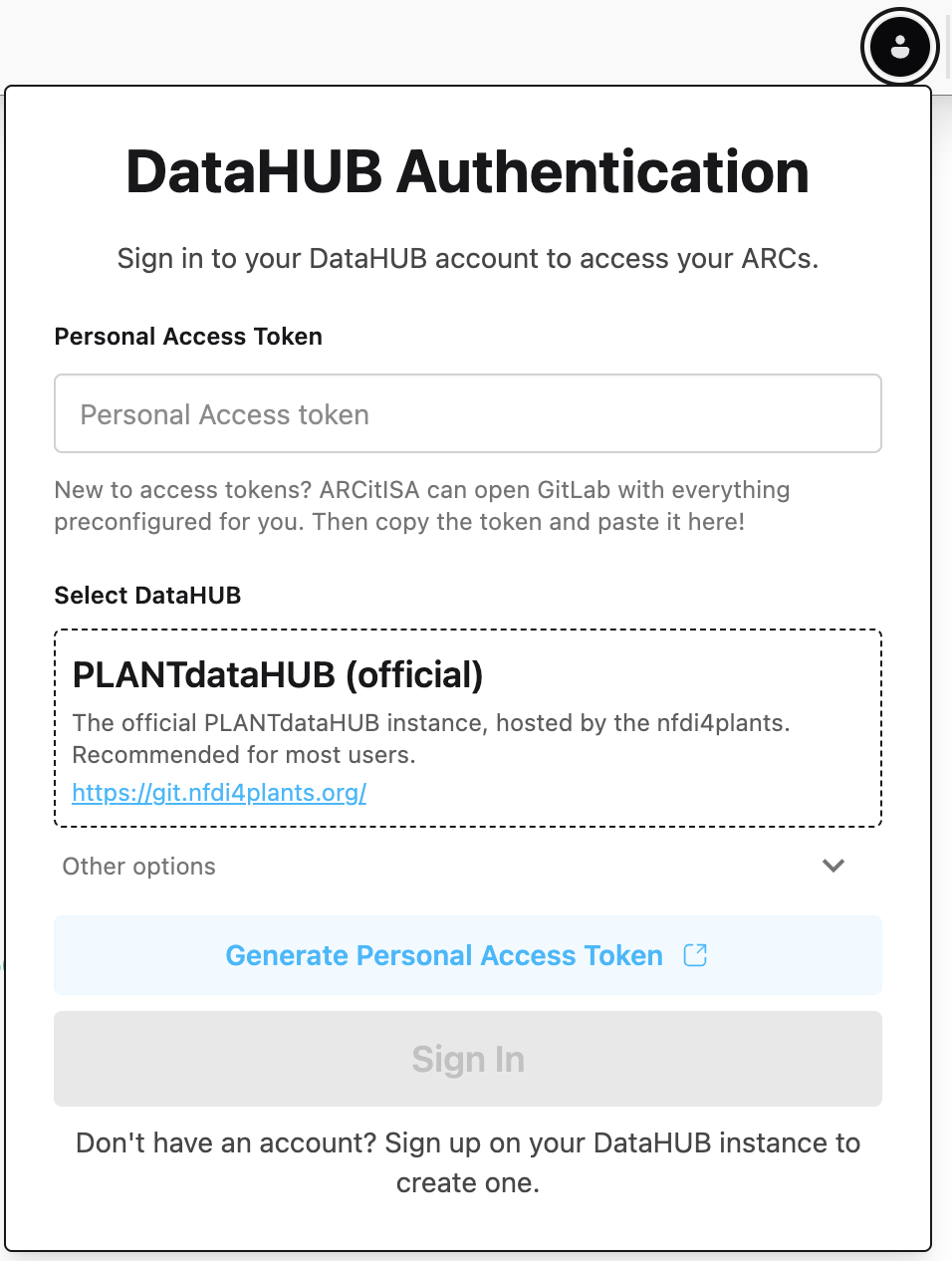
-
Click
Generate Personal Access Token . This automatically opens the DataHUB in your browser and guides you to create a personal access token. -
Scroll down and click
Generate token . -
Copy the token on top and paste it into the ARCitISA field “Personal Access Token”
-
Click
Sign In 
Great, now I should be able to work with the DataHUB.