
Add a Study
-
In the left sidebar open the
File explorer -
Click on the plus icon next to
studiesto add a new study. -
Enter an identifier for the
New Study.
AthalianaColdStress
-
Click
Create Study. -
ARCitISA adds the study
AthalianaColdStressincluding the foldersprotocolsandresourcesas well as aREADME.mdand theisa.study.xlsxworkbook.- AthalianaColdStressSugar
Directorystudies
- AthalianaColdStress
Directoryprotocols
- …
Directoryresources
- …
- isa.study.xlsx
- README.md
- …
-
Click on the study’s name (
AthalianaColdStress) in the file tree edit the study metadata in the right panel.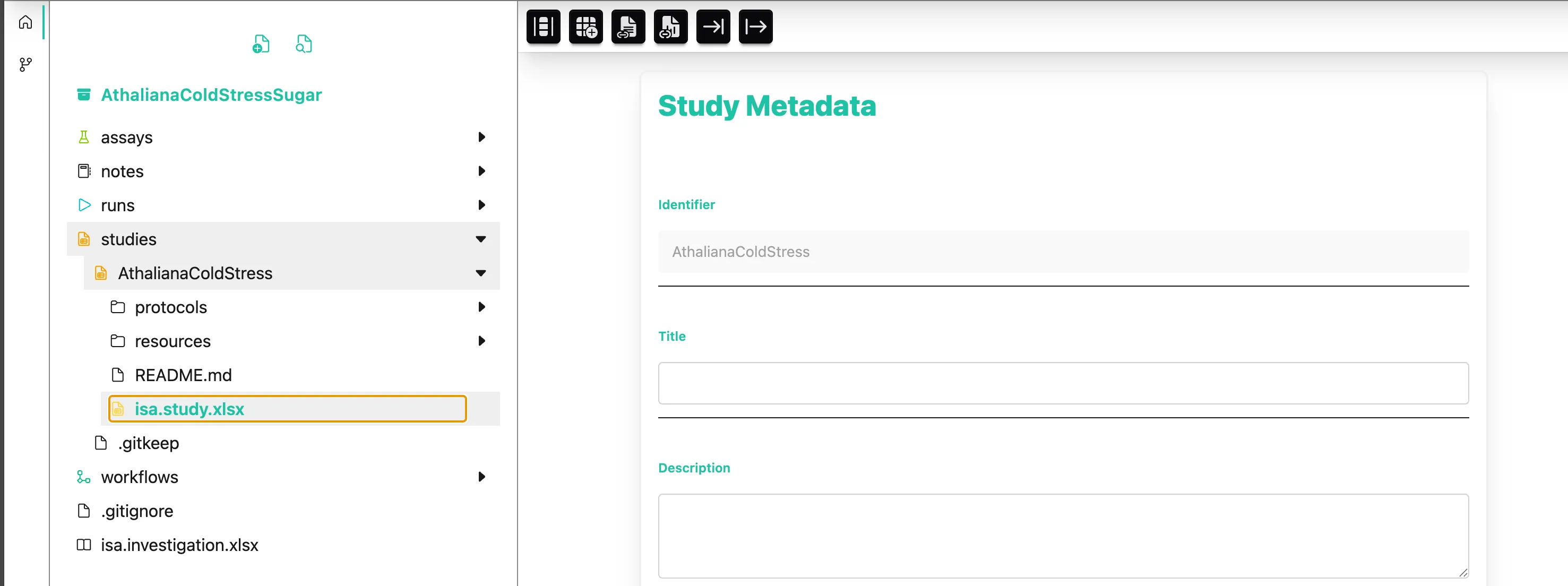
-
Here you can add metadata about your study.
My title: “Cold acclimation analysis of Arabidopsis leaf tissue”