
Add an Assay
-
Click on the plus icon next to
assaysto add a new assay. -
Enter an identifier for the
New Assay.
SugarsPhotometer
-
Click
Create Assay. -
ARCitISA adds the assay
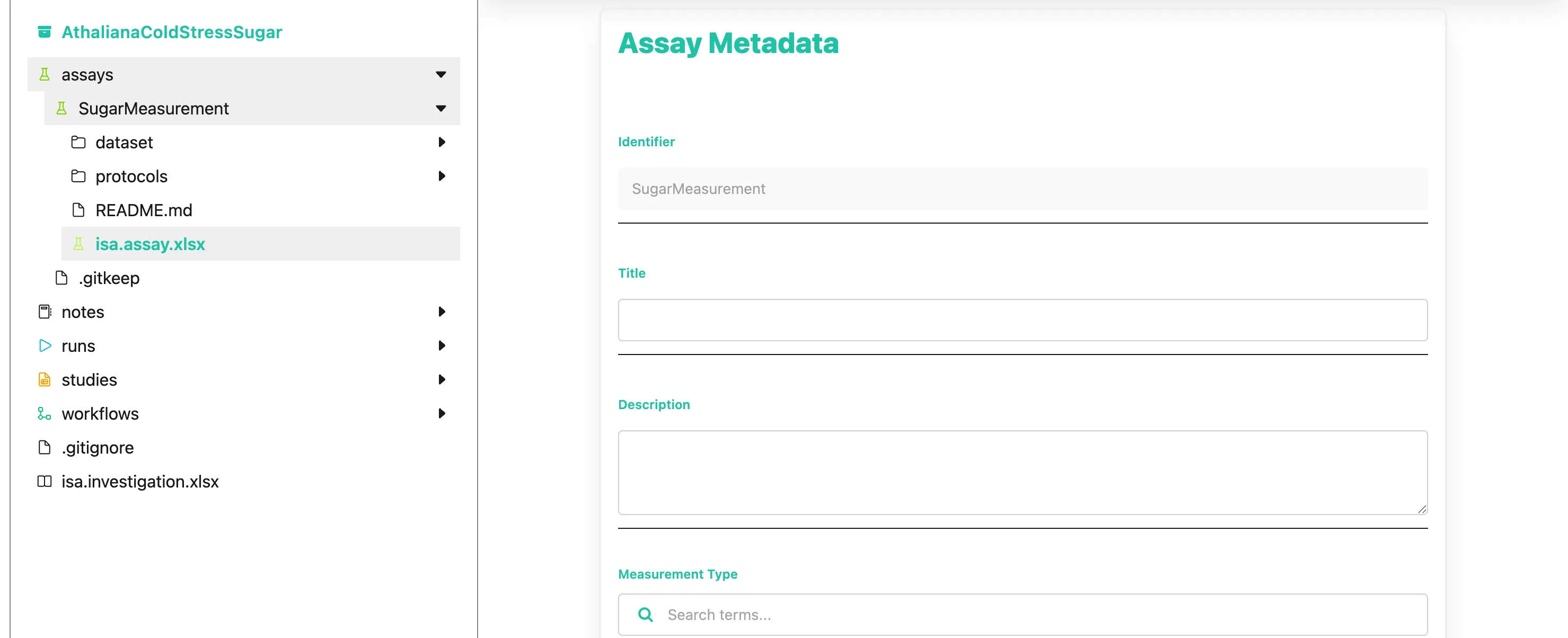
SugarsPhotometerincluding the foldersdatasetandprotocolsas well as aREADME.mdand theisa.assay.xlsxworkbook. You can display the file structure created by ARCitISA by clicking onSugarsPhotometeras shown below.Directoryassays
DirectorySugarsPhotometer
Directorydataset
- …
Directoryprotocols
- …
- isa.assay.xlsx
- README.md
- …
-
Click on the assay’s name (
SugarsPhotometer) in the file tree to open the folder -
Click on the
isa.assay.xlsxworkbook to edit the assay metadata in the right panel. -
Here you can add metadata about your assay.
Ok, so my measurement type is “sugar measurement”. And to specify the device I used for my measurement, I add “photometry” and “Infinite M200 plate reader (Tecan)” as the technology type and technology platform, respectively.