
Apply standard procedures

My proteomics assay is a bit more complex. I’m honestly not a proteomics expert and I would not know how to annotate this in detail myself. It is based on mass spectrometry and routinely performed at our proteomics facility.
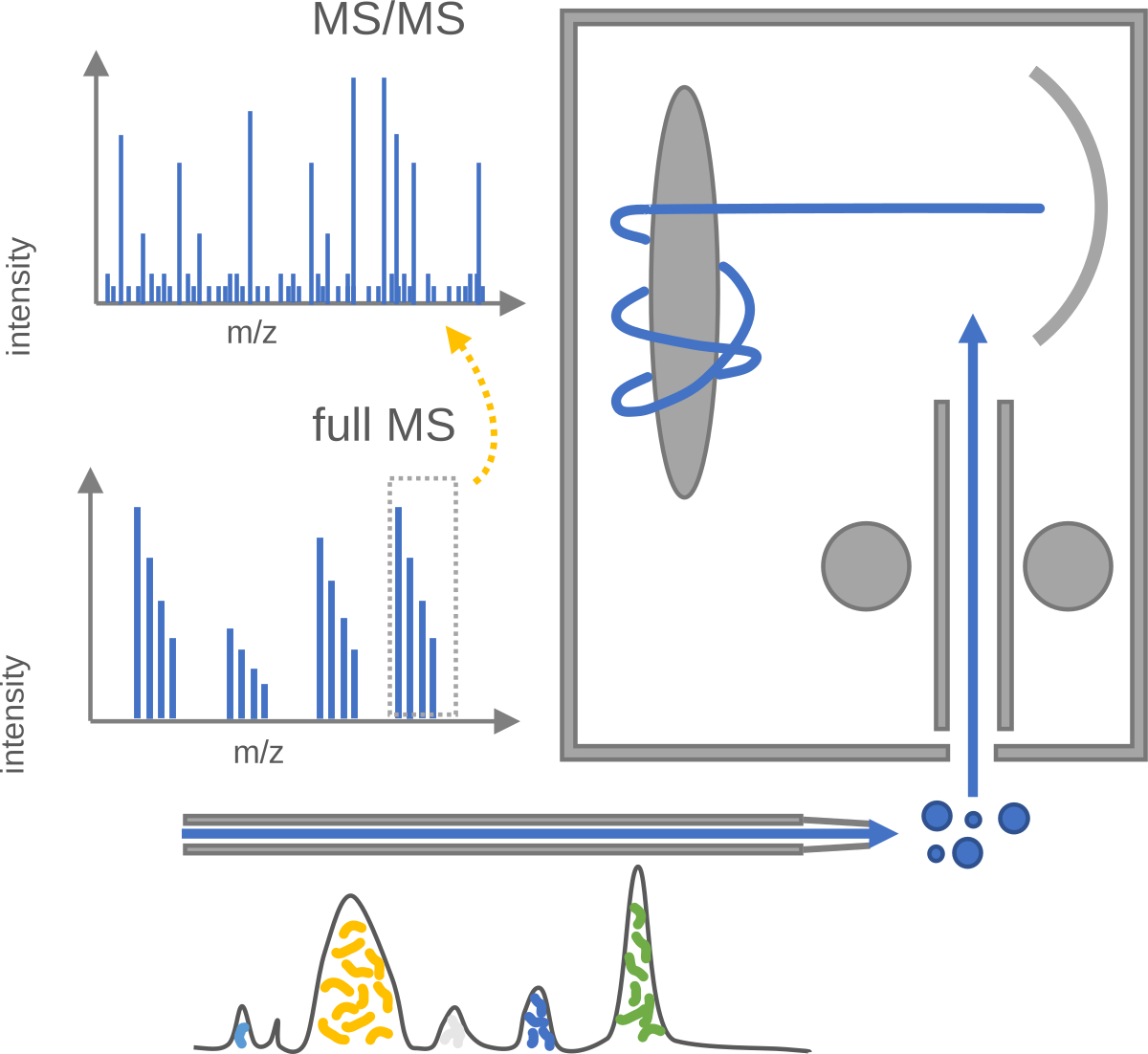
For the proteomics assay, we’ll apply standard operating procedures (SOPs) to sample records provided by a proteomics facility.
Add Proteomics Assays and apply SOPs
Section titled “Add Proteomics Assays and apply SOPs”Follow the same steps as before to add two assays and sort the available demo data.
Proteomics – Mass Spectrometry
Section titled “Proteomics – Mass Spectrometry”- Create an assay
Proteomics_MS. - Import the assay files and folders from the demo data into the assay. Use the “Import Files” and “Import Directories” functions accordingly:
Source
flowchart LR subgraph d[Demo Data] D1@{ shape: docs, label: MS_Raw} D2@{ shape: doc, label: AssayTemplate_Proteomics_MS.json} end subgraph a[ARC] A1@{ shape: lin-cyl, label: Proteomics_MS/dataset/} A2@{ shape: lin-cyl, label: Proteomics_MS/protocols/} end D1 --> A1 D2 --> A2 classDef sub fill:#FFFFFF,color:#2d3e50,font-size:1.1em; class d,a sub; classDef item font-size:0.9em; class D1,D2,A1,A2 item;Load the data annotation into the respective annotation tables
- Create a new annotation table for the assay
Proteomics_MS. - In the bottom-right corner click
<to open a panel on the right. - On top of the panel, navigate to the JSON import tab .
- Select
Assay – ARCtrl, then click onChoose File. - Navigate to and select the file
AssayTemplate_Proteomics_MS.jsonand clickopen.- Select the “Import Type”
..With Values - Check the
Importcheckbox in theAssay Metadatapanel - Click
Submit
- Select the “Import Type”
Your assay now contains top-level metadata in the Assay sheet, including the “Measurement Type” and “Technology Type” and “Technology Platform”. Furthermore, it includes two sheets called ProtDigest and PeptideMS_Bruker including the metadata records to describe the two processes of protein digest and the mass spectrometry measurement of peptides, respectively.
Great, with just a few clicks my assay is complemented with the metadata of the facility’s SOP. Now, I just need to complement the names of my samples and dataset files in the “Input” and “Output” columns.
Proteomics – Data analysis
Section titled “Proteomics – Data analysis”Repeat the same for the “Proteomics Data Analysis” files.
- Create an assay
Proteomics_DataAnalysis. - Import the assay files and folders from the demo data into the assay
- Create suitable annotation tables and import the data annotation, respectively.
Source
flowchart LRsubgraph d[Demo Data] D1@{ shape: doc, label: combined_protein.fasta} D2@{ shape: doc, label: MSFraggerOutput/combined_protein.csv} D3@{ shape: doc, label: AssayTemplate_Proteomics_DataAnalysis.json}endsubgraph a[ARC] A1@{ shape: lin-cyl, label: Proteomics_DataAnalysis/dataset/} A2@{ shape: lin-cyl, label: Proteomics_DataAnalysis/protocols/}endD1 --> A1D2 --> A1D3 --> A2classDef sub fill:#FFFFFF,color:#2d3e50,font-size:1.1em;class d,a sub;classDef item font-size:0.9em;class D1,D2,D3,A1,A2 item;Again, I will have to complement the specific “Input” and “Output” columns for the identifiers in my ARC. In this example both these columns are of type “Data”, so this assay describes a process where data was processed or analyzed. I want to learn more about this approach.
Linking samples to data – across studies and assays
Section titled “Linking samples to data – across studies and assays”My ARC is now really coming into shape.
Source
flowchart TDclassDef studyStyle fill:#dae7c1,rx:.4em,ry:.4em,color:#2d3e50,stroke:#2d3e50,font-weight:bold;classDef assayStyle fill:#ffe080,rx:.4em,ry:.4em,color:#2d3e50,stroke:#2d3e50,font-weight:bold;classDef processStyle fill:#E08F9C,rx:.4em,ry:.4em,color:#2d3e50,stroke:#2d3e50,font-weight:normal;classDef sampleStyle fill:#FEFEFE,rx:.4em,ry:.4em,color:#2d3e50,stroke:#2d3e50,font-weight:normal;classDef dataStyle fill:#FEFEFE,rx:.4em,ry:.4em,color:#2d3e50,stroke:#2d3e50,font-weight:normal;subgraph study1["Study:AthalianaColdStress"] s1[Plants] ---p1[Plant-growth]--> s2[Leaves]endsubgraph assay2[Assay2:Proteomics_MS] s2 ---p4[ProtDigest]--> s4[Protein extracts] s4 ---p5[PeptideMS_Bruker]--> d2@{ shape: docs, label: MS_raw}endsubgraph assay3[Assay3:Proteomics_DataAnalysis] d2 ---p6[PSM_Bruker_MaSuc]--> d3@{ shape: doc, label: combined_protein.fasta}endsubgraph assay1[Assay1:SugarsPhotometer] s2 ---p2[SugarExtraction]--> s3[Sugar extract] s3 ---p3[SugarMeasurement]--> d1@{ shape: doc, label: sugar_result.csv}endclass study1 studyStyle;class assay1,assay2,assay3 assayStyle;class p1,p2,p3,p4,p5,p6 processStyle;class s1,s2,s3,s4 sampleStyle;class d1,d2,d3 dataStyle;