Group Access Token
-
Sign in to the DataHUB
-
Navigate to the group’s settings
-
Open the
Access Tokenssettings in the sidebar(1) -
Enter or adapt the required token information
(2)(more about token information here) -
Click
Create group access token (3)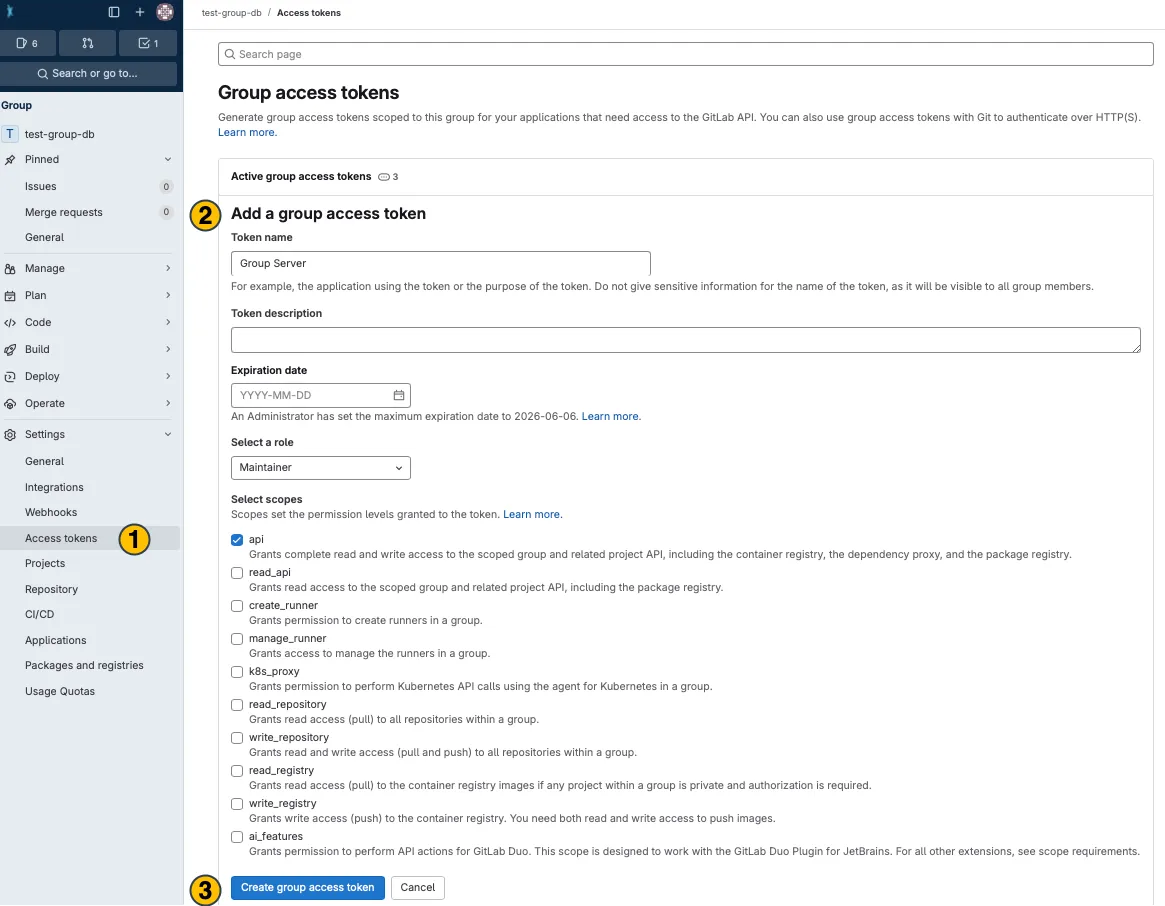
-
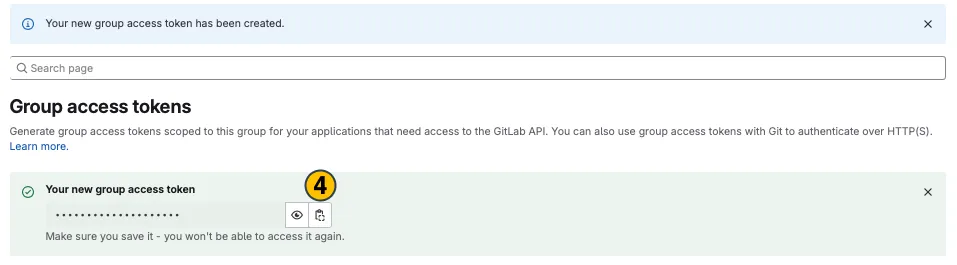
Your new group access token appears on top. Copy
(4)and use it in the desired application.