ARCitect
-
From the sidebar, navigate to the published_with_changes
DataHUB Syncmenu. -
In the grey
Remotebox, click+to add a remote. -
In the
Add Remotedialog, leave the defaults forRemote Name,DataHUB AccountandURL.
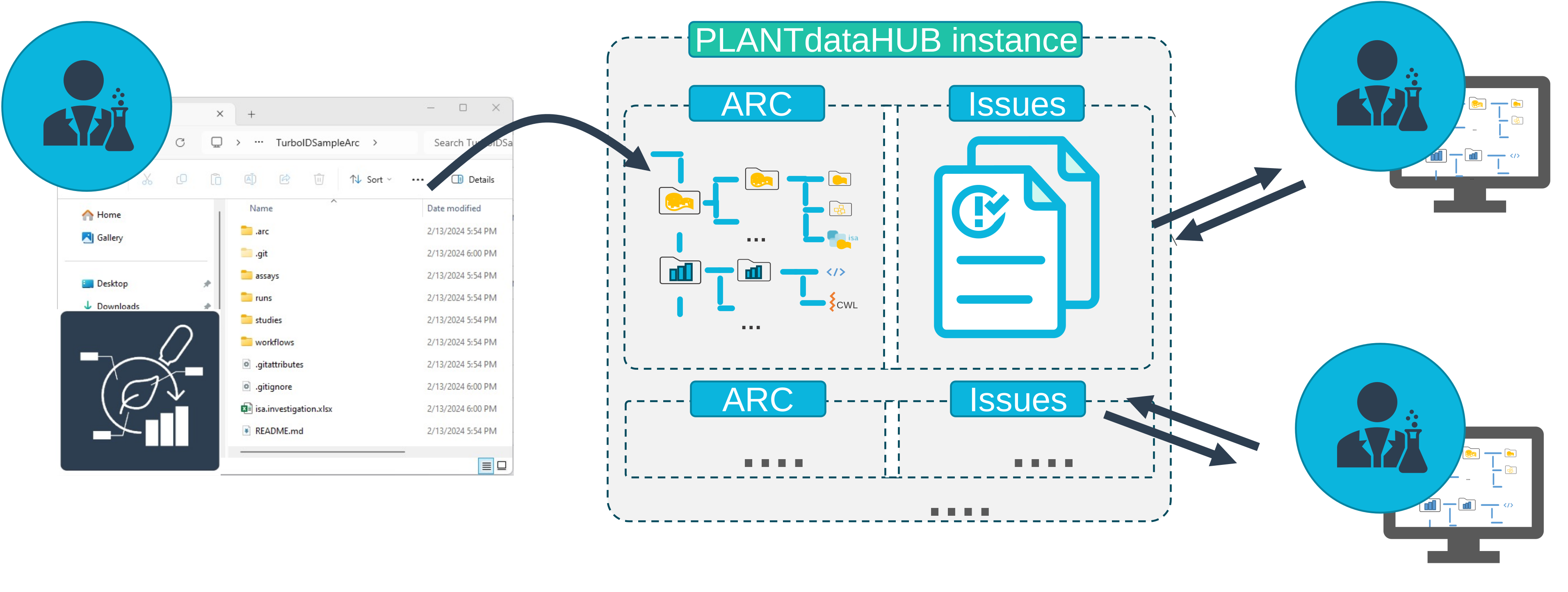
So my ARC will be synced to https://git.nfdi4plants.org/viola/AthalianaColdStressSugar.git
-
Click
Add Remote. -
Click
Pushto upload your ARC to the DataHUB. -
In the grey
Remotebox, click the globe icon to be directed to your ARC in the DataHUB.